
Promotion and discounts with the Dynamic Pricing & Discounts plugin
Learn how to apply all kinds of promotions and discounts using custom rules that you can easily set yourself in the Dynamic Pricing & Discounts plugin.
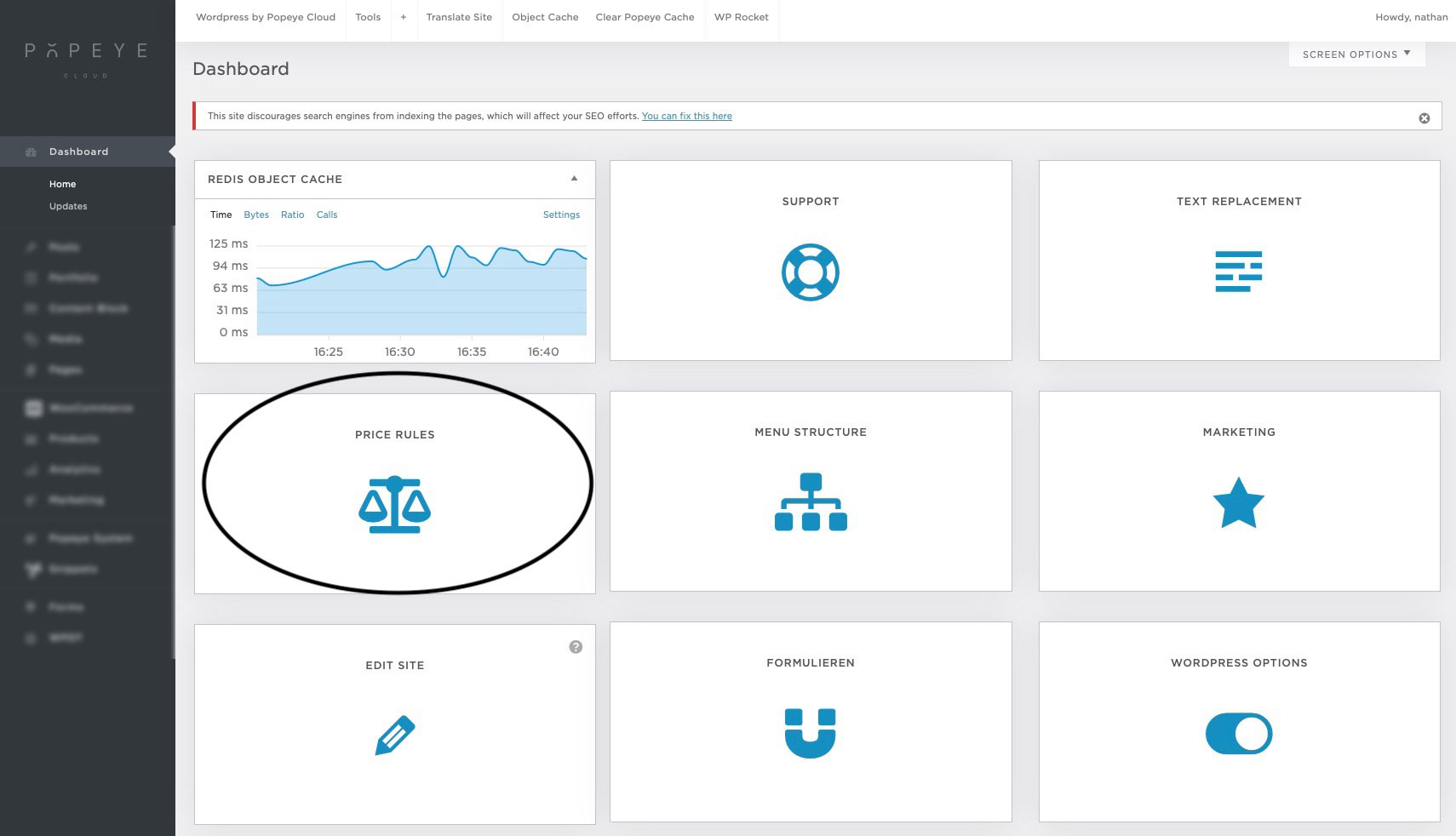
Go to the dashboard in the back-end. Find the ‘Price Rules’ block. This will take you into the plugin’s settings.
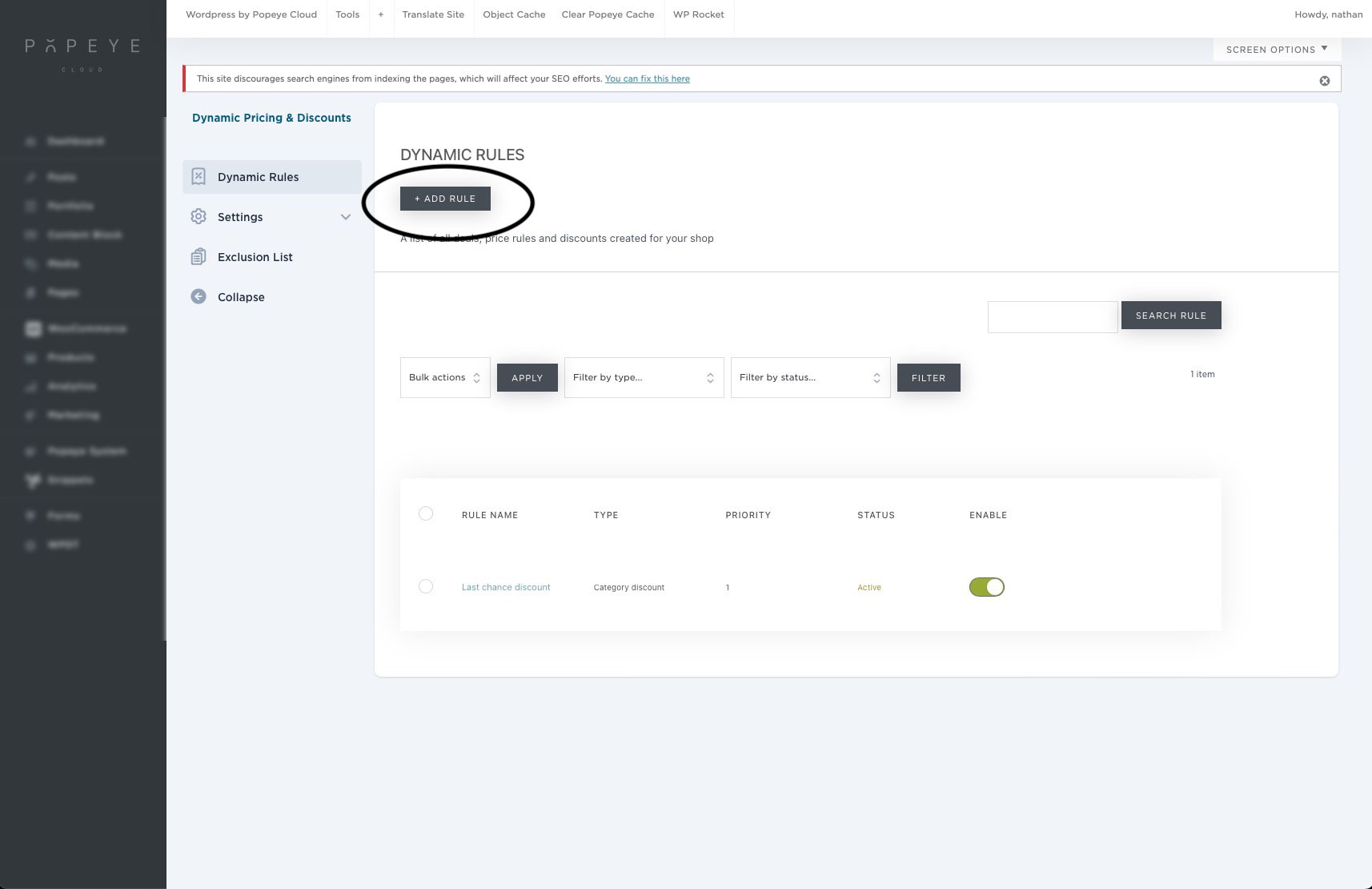
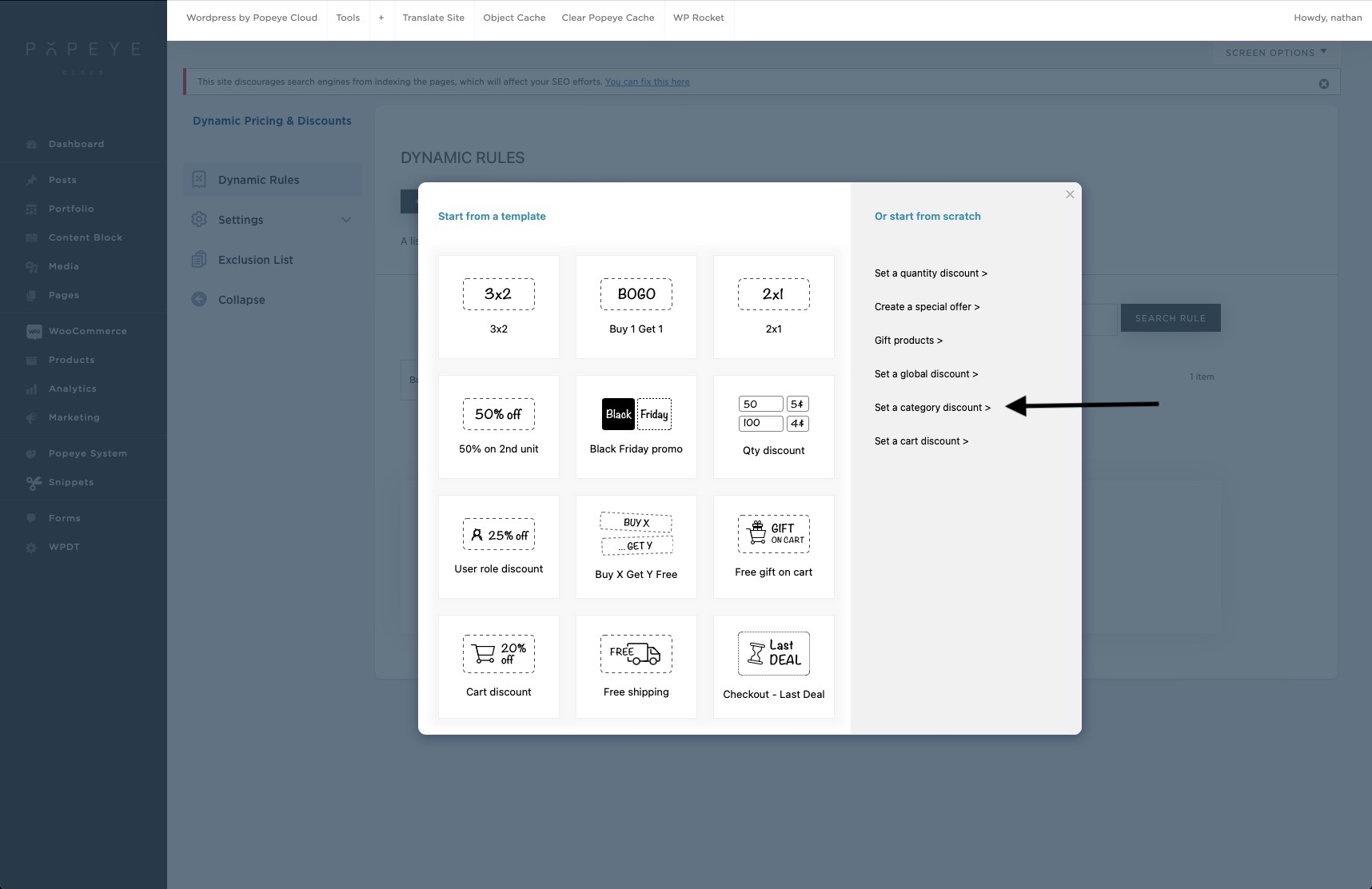
Then click on ‘add rule’. Here you will then get a selection window where you can choose between different types of promotions.
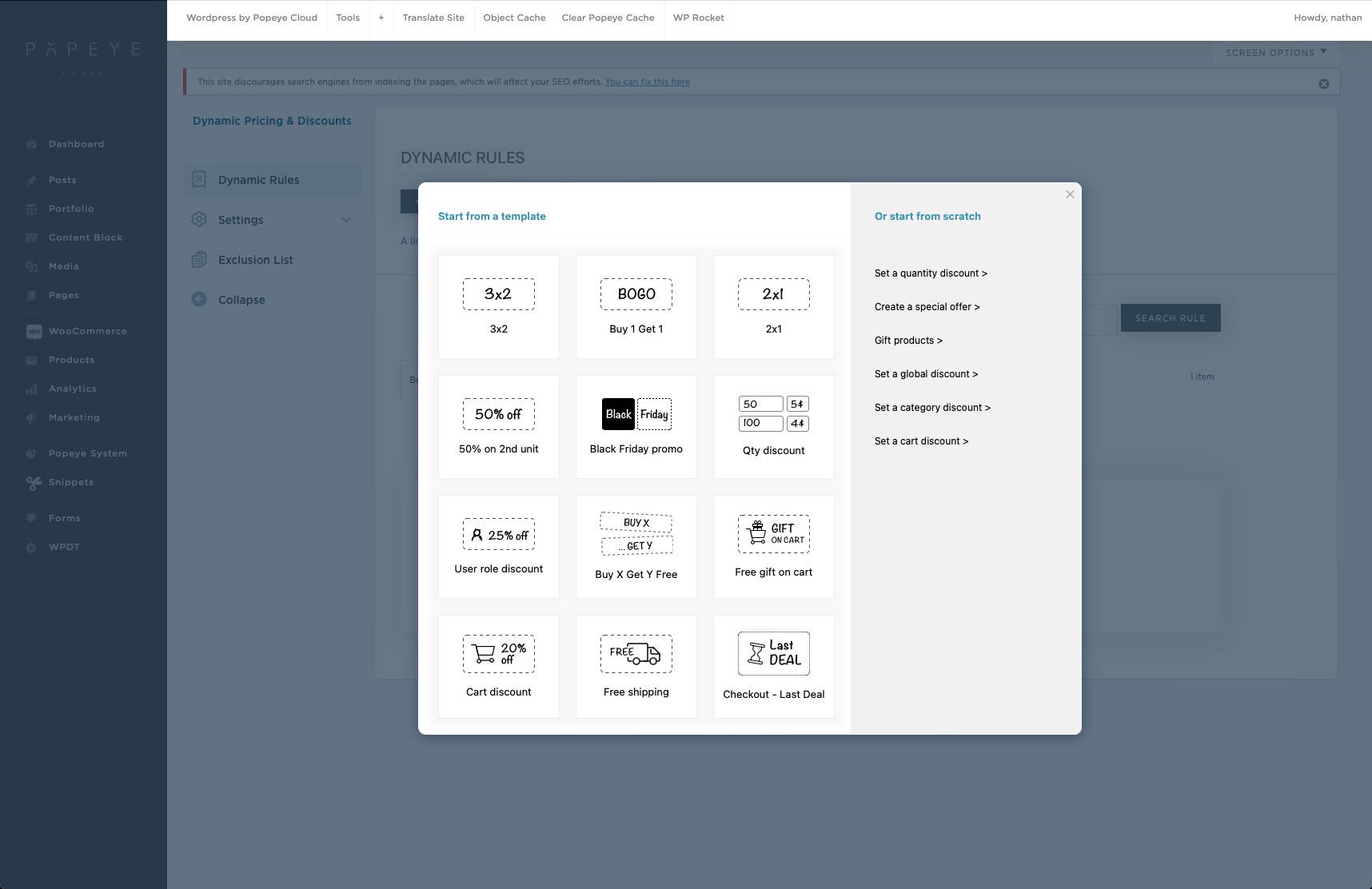
As an example here, we will apply a discount to a specific product category of the website. The settings are roughly the same for the other types of promotions and you can take this as a guide.
On the website in the product settings, there is a category created ‘last chance’. This ensures that we can apply a discount on the products given this category.
In these settings, you can set the following options:
1) You can name the particular promotion or discount
2) Specify the type of discount or promotion
3) Choose which category the discount or promotion applies to

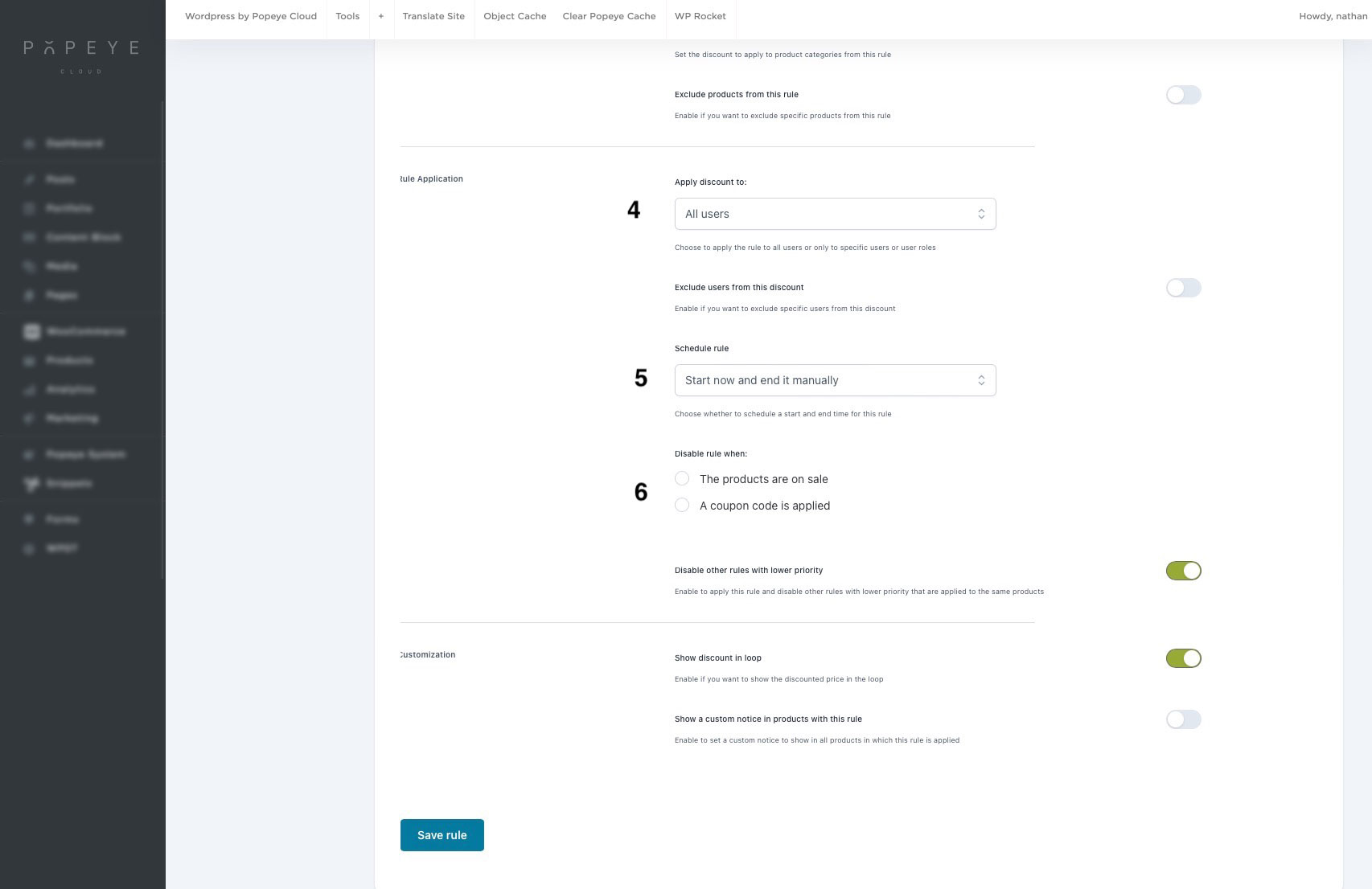
4) Choose the users to whom the rule applies
5) Set scheduling of the rule
6) Disable the rule in certain cases